When it comes to logos, having a clean and transparent background is essential for seamless integration into imagery of your choice. A well placed watermark can be a serious asset for protection of your intellectual property or promotion of your brand. Learning how to remove backgrounds from logos is a skill worth mastering, whether you’re a graphic designer, a small business owner, or simply passionate about creating stunning visual content.
In this article, we will explore different tools that will help you change background color. To help you navigate through the myriad of options available, we have compiled a comprehensive review of four popular background remover tools: Adobe Express, remove.bg, GIMP, and PhotoWorks. Let’s dive in and see how these programs fare.
Adobe Express
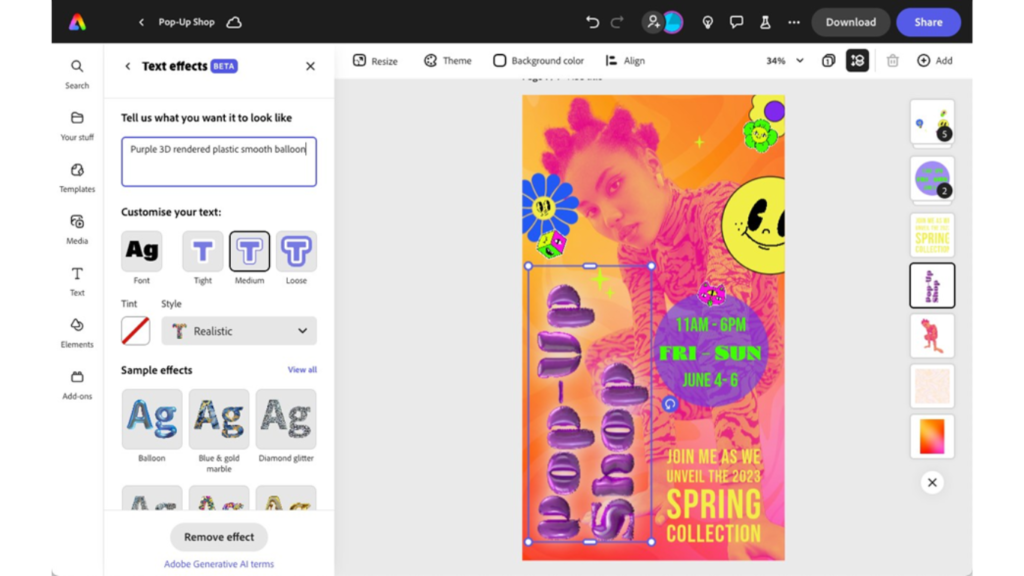
Adobe Express, part of the Adobe Creative Cloud suite, offers a range of powerful editing tools that let you remove a logo background. With its user-friendly interface and intuitive design, Adobe Express allows users to easily remove backgrounds from images. Its advanced algorithms provide accurate results, even with complex backgrounds. However, it is worth noting that Adobe Express requires a subscription to access all features, which may be a drawback for some users.
- Hassle-free background removal from images
- Integration with the Adobe Creative Cloud suite
- Advanced editing tools for retouching, adjustments, and more
- Ability to change backgrounds, add graphics, and animations
- Option to download images as PNG files with transparent backgrounds
Remove.bg

Wondering how to remove the background from a logo without installing anything? Try remove.bg. It is a popular online tool that boasts impressive AI-powered technology. It excels in providing quick and accurate background removal, making it an excellent choice for users who prioritize speed and efficiency. However, remove.bg’s online nature may limit its functionality compared to desktop software solutions.
- AI-powered technology for quick and accurate background removal
- User-friendly interface and easy-to-use functionality
- Integration with popular platforms like Photoshop, Figma, and Shopify
- No need for manual selection, as remove.bg automatically detects and removes backgrounds
GIMP

GIMP (GNU Image Manipulation Program) is a free, open-source photo editing software that offers a wide range of features, including a background remover. While GIMP’s background removal capabilities may not be as advanced as some other tools, it compensates with its extensive editing capabilities and flexibility. GIMP allows users to manually remove backgrounds using various selection tools, providing more control over the process. However, GIMP’s learning curve and complex interface may be overwhelming for beginners.
- Free and open-source photo editing software
- Extensive editing capabilities beyond background removal
- Manual background removal using various selection tools
- Flexibility and customization options for advanced users
PhotoWorks
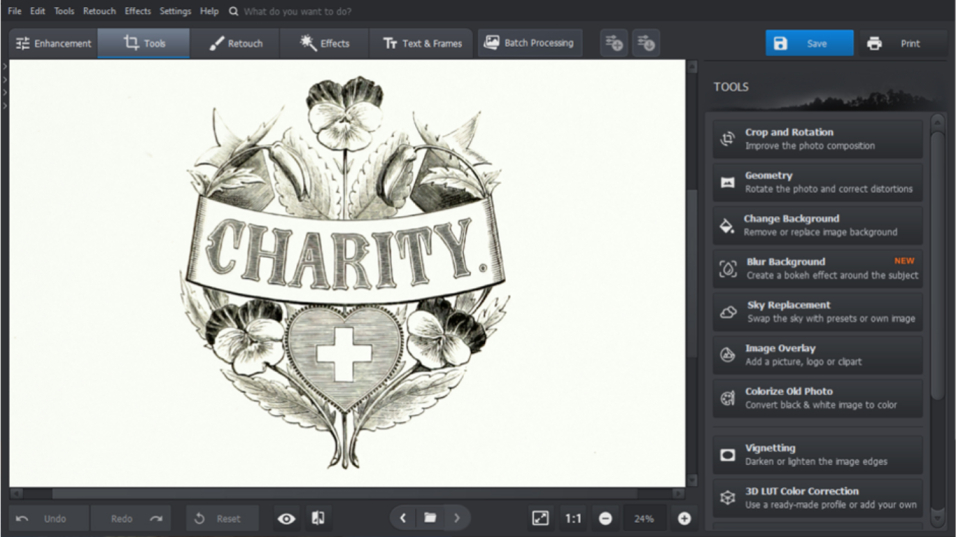
PhotoWorks is a comprehensive photo editing software that includes a logo background remover among its extensive toolkit. With its user-friendly interface and AI-powered algorithms, PhotoWorks delivers impressive results in removing backgrounds. The software offers both automatic and manual background removal options, catering to the needs of different users. Additionally, PhotoWorks provides advanced editing features to further enhance your images. However, PhotoWorks is a paid software with a free trial period, which may deter users seeking free solutions.
- Comprehensive photo editing software with a background remover tool
- AI-powered algorithms for accurate background removal
- Automatic and manual background removal options
- Additional editing features to enhance images
- Integration with popular platforms like Slack and Gmail
Best Practices for Background Removal
To achieve the best results, keep the following practices in mind:
- Start with a high-resolution image of the logo to avoid pixelation.
- Work in layers to preserve the original logo and make adjustments easily.
- Regularly zoom in and out to ensure the details are accurately captured.
- Use a combination of manual and automatic techniques for optimal results.
- Experiment with different editing tools and techniques.
This exploration of four popular background removal tools demonstrates that numerous options cater to various skill levels and needs. While Adobe Express and PhotoWorks offer advanced features and intuitive interfaces, they come with subscription fees. Remove.bg provides a fast and accessible online solution, while GIMP offers powerful, free, open-source functionality for those willing to invest time in learning its interface. Remember to always start with a high-resolution image and utilize a combination of manual and automatic techniques for optimal results. Practice makes perfect, so don’t be afraid to experiment and refine your skills.
Blog received on email