Whether you’re creating marketing content, entertaining the masses, or providing educational materials, the quality of your audio and video is crucial. Of course, being able to record content quickly and easily while still maintaining that quality is equally important. Though recording material was once a complicated, time-consuming process that involved a great deal of trial and error, it doesn’t have to be quite so challenging these days. Thanks to automation, you can simplify your workflow without sacrificing the quality content your viewers expect.
If you’re wondering how to automate recording sessions, you’re not alone. Many marketers, influencers, and educators are looking for ways to create professional-quality content without needing a high-tech studio and a team of engineers. With some modern audio and video equipment, the process is easier and more effective than ever.
Programmable Hardware
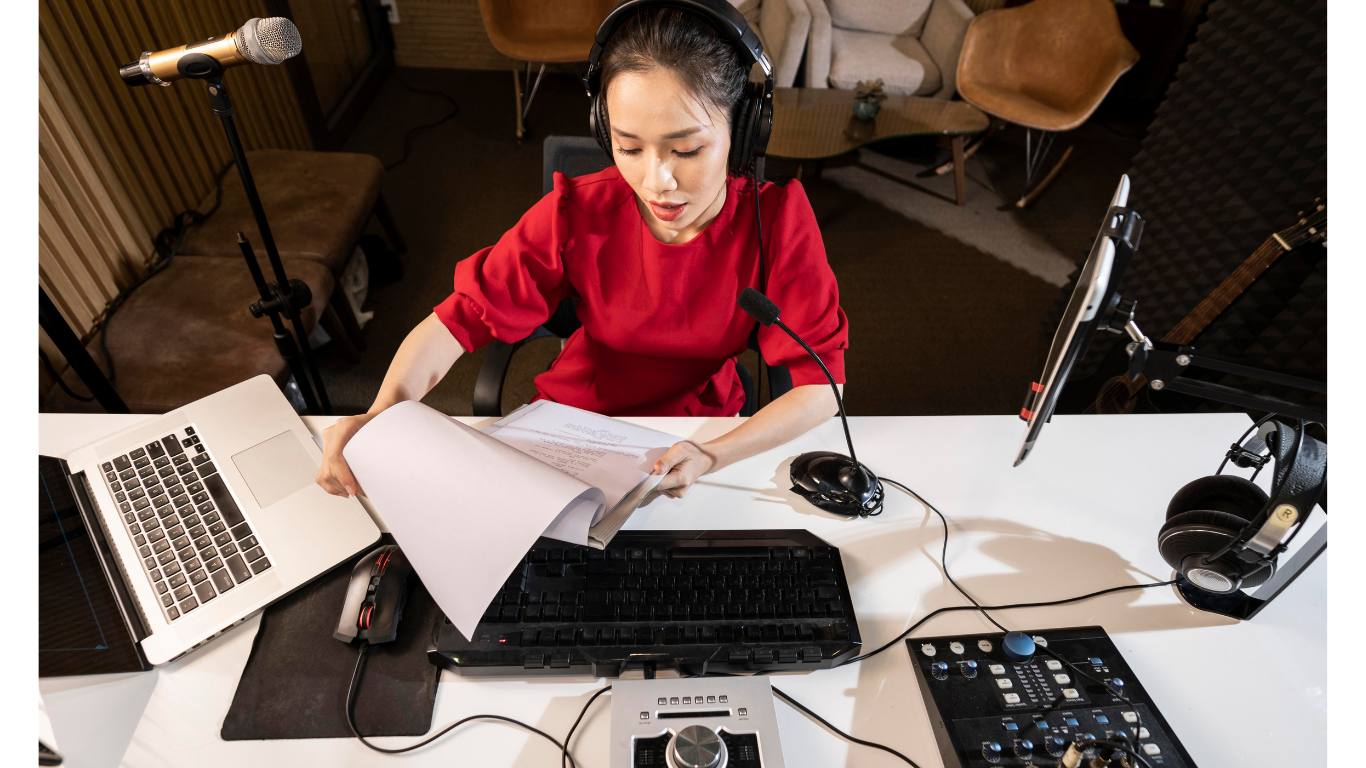
One of the easiest ways to add automation to your recording workflow is with programmable hardware. Many modern audio interfaces, mixers, and production consoles allow you to assign custom functions to buttons, dials, or touchscreens. That means you can automate tasks like switching inputs, muting microphones, starting playback, or adjusting monitor levels. Instead of fumbling through menus or software settings during a session, you can keep your workflow smooth and simple.
Software Automation
Software automation plays an equally important role. Most digital audio workstations (DAWs) and video recording programs offer tools that allow you to automate actions before your sessions even begin. For example, you can set up templates that pre-load tracks, effects, routing, and recording settings. You can also program automatic file naming, backup processes, and saves. Those automations can eliminate tedious steps and make your recording or streaming process more efficient.
Remote Control
If you handle both audio and video, remote control capabilities can take automation to the next level. Many modern recording devices now allow users to start and stop recording, adjust settings, and carry out other actions from a phone or tablet. That’s especially helpful for solo creators who need to be both behind the camera and in front of it. Remote control reduces the number of times you need to stop, start, and move around, which can help you keep up your momentum and stay in the moment.
Equipment Integration
Another helpful automation option is integrating your equipment through smart studio tools. Devices such as programmable power conditioners, smart plugs, and automated lighting systems can turn your studio into a fully synchronized environment. You can automate tasks like powering up equipment, adjusting lighting for video, and setting the ambience for a music session all with a single command. When everything works together perfectly, your workflow is bound to be faster, smoother, and less stressful.
Bringing the Power of Automation to Your Recording Sessions
By using modern recording equipment to automate your recording sessions, you’ll be taking them to entirely new levels. It’ll transform the way you work and take a great deal of time and effort out of the process. Automation can help reduce mistakes while allowing you to bring more creativity and energy to your sessions. It’ll have a positive impact on not only the quality of your material but its impact on your viewers or listeners. You’ll be able produce professional-level content without the need for a studio or an entire production team, even if you’re new to the world of recording.
Article received via email