
Let’s be honest about something that happens to everyone.
You take a photo. It’s supposed to be the one. The perfect shot. A product for your website. A memory from a trip. A screenshot of something important. A family moment.
You look at it later and your heart sinks.
It’s blurry.
Not a little soft. Genuinely blurry. Shaky hands. Bad focus. Low light. Whatever the reason, the photo you wanted isn’t the photo you got.
In the past, you had two choices. Keep a blurry, useless image. Or delete it and pretend it never happened.
Neither feels good.
What Actually Works
There’s a third option now. One that doesn’t require expensive software or professional skills.
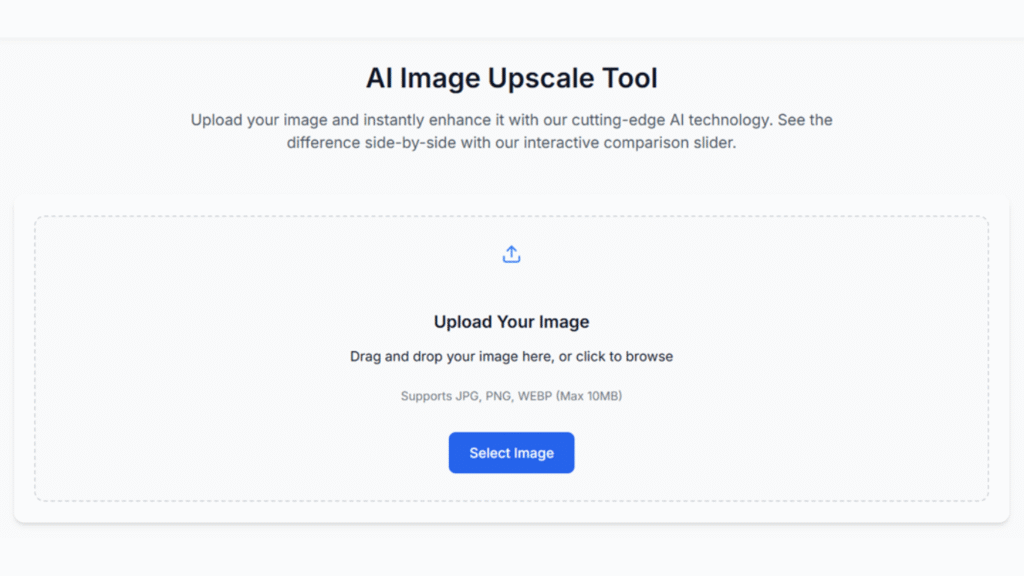
You upload the blurry photo to a website. The AI looks at it. It figures out what should be sharp. It fixes the blur. It hands you back a clear image.
That’s it. No learning curve. No complicated settings. No guessing. A good picture enhancer should feel like magic, even though it’s just smart technology.
The Best Image Quality Improvement Tools Are Invisible
Here’s the thing about fixing blurry photos: you shouldn’t have to think about how it works.
You shouldn’t need to understand algorithms or noise reduction or sharpening masks. You shouldn’t need to adjust sliders and hope for the best. You shouldn’t need to watch tutorial videos.
You should just upload your photo and get a better one back.
The best image quality improvement tools work in the background. They handle the technical stuff so you don’t have to. They preserve the natural look of your image while making it sharper. They don’t add weird artifacts or make skin look like plastic.
They just make your photo look like what you wanted it to look like in the first place.
The Best Image Quality Improvement for Business
If you’re running a business, blurry photos cost you money.
A product photo that’s not sharp makes your product look cheap. A team photo that’s blurry looks unprofessional. A screenshot of important data that’s unreadable is useless.
Customers judge your business by the quality of your visuals. If your images are blurry, they assume your service is sloppy too.
That’s harsh, but it’s true.
Fixing blurry images isn’t vanity. It’s professionalism. It’s making sure your business looks as good as it actually is.
Who Actually Needs This
The range of people who deal with blurry photos is wider than you’d think.
E-commerce sellers take product photos on phones. Sometimes the focus is off. Sometimes the lighting is bad. Fixing those images means higher sales.
Real estate agents take property photos in a hurry. Sometimes the agent’s hand shook. Sometimes the lighting was tricky. Clear photos mean more showings.
Content creators grab screenshots and quick shots constantly. Not all of them are perfect. Fixing them means better content, faster.
Marketers receive images from clients that are never quite right. Fixing blur is faster than asking for a reshoot.
Anyone with old photos has scanned images from decades ago that are faded and soft. Restoring them means preserving memories.
Students and researchers take photos of whiteboards, documents, textbook pages. Sometimes the text is blurry. Fixing it means actually being able to read it.
The Privacy Thing
Here’s something nobody talks about enough.
When you upload a photo to a random website, where does it go? Does it sit on their server forever? Does someone else have access to it? Is it getting used for something you didn’t agree to?
A good tool handles this simply. Your photo gets processed. You download the fixed version. The original gets deleted from their servers. Automatically. Without you having to ask.
For business photos with sensitive information, for personal memories you don’t want floating around, this matters.
The Bottom Line
Blurry photos used to be unfixable. You either kept them as they were or threw them away.
Now you have a third option. One that takes seconds, costs nothing, and doesn’t require any special skills.
Upload. Process. Download. Done.
That photo you almost deleted? The one you thought was ruined? It might be fixable. And the tool to fix it is probably already online, waiting for you to find it.
Article received via email