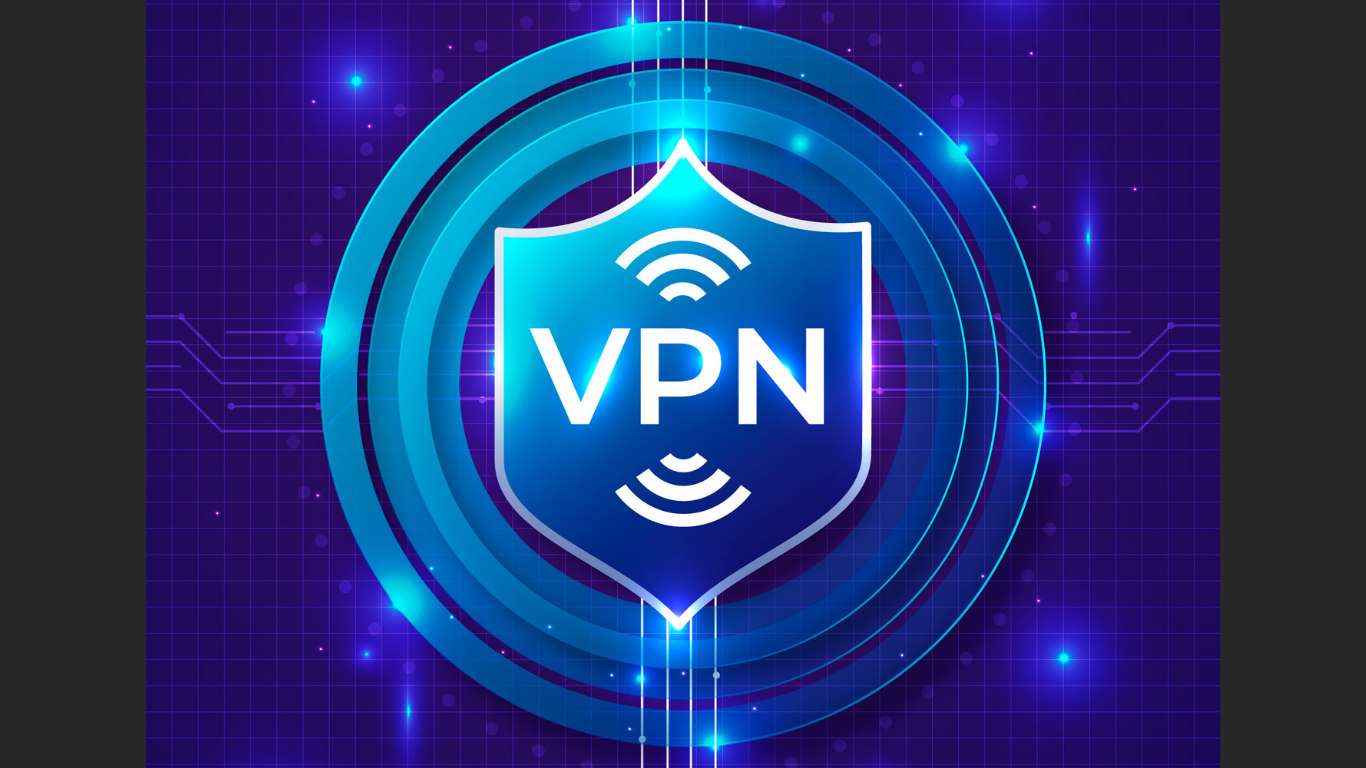
VPNs are often promoted as simple tools for online privacy, public Wi-Fi safety, and location control. They can be useful for remote workers, travelers, business owners, students, and everyday internet users. But choosing the right VPN is not always simple.
Many providers use similar claims: faster browsing, stronger privacy, more server locations, safer Wi-Fi, or better streaming access. The challenge is knowing which features actually matter.
A better question is not only “What is the best VPN service?” It is “best for which situation?” WhatIsMyIPAddress.com explains VPNs this way: VPNs can hide your public IP and improve privacy, but they do not make you completely anonymous.
That distinction matters. A smart VPN choice starts with understanding what the tool can and cannot do.
What a VPN Can Do
A VPN, or virtual private network, routes internet traffic through a VPN server. When it works correctly, websites see the VPN server’s public IP address instead of the IP address assigned by your internet provider, office network, mobile carrier, or public Wi-Fi connection.
A VPN helps protect your public IP address, keeps your data safer on public Wi-Fi, makes location tracking harder, and encrypts your internet traffic between your device and the VPN server.
These benefits are helpful when traveling, working remotely, or using unfamiliar networks. But they should not be exaggerated.
What a VPN Cannot Do
A VPN is not a complete privacy shield. It changes one important signal, your visible public IP address, but websites and apps may still recognize you in other ways.
A VPN does not automatically stop account tracking, cookies, browser fingerprinting, device identifiers, app location permissions, phishing, malware, weak passwords, or unsafe downloads.
For example, if you log in to a social media account, that platform still knows who you are. If a website has stored cookies in your browser, it may recognize your session. If an app has location permission, it may use GPS or Wi-Fi signals that are more precise than IP-based location.
This is why a VPN should be seen as one privacy layer, not a full anonymity tool.
Start With Your Main Use Case
Pick a VPN that fits how you plan to use it.
For public Wi-Fi, look for encryption, automatic connection options, a kill switch, and DNS leak protection. These features are useful in hotels, airports, cafes, and shared workspaces.
For remote work, focus on reliability, device support, stable speeds, and compatibility with business tools. Dropped connections can interrupt meetings, file transfers, dashboards, and cloud apps.
For privacy-conscious browsing, look for a clear privacy policy, transparent ownership, DNS leak protection, and realistic claims. Avoid choosing a VPN only because it promises “complete anonymity.”
For travel, check mobile app quality, useful server locations, connection stability, and support for your main devices.
For small businesses, look for team management, central billing, different access controls, easy setup documentation, and long time support.
Features That Matter Most
The most important VPN features are practical.
A clear privacy policy matters because the VPN provider sits between your device and the wider internet. Users should understand what data is collected, how long it is kept, and whether it is shared.
DNS leak protection is also so important. DNS helps your browser find websites. If DNS requests go outside the VPN tunnel, your internet provider may still see part of your browsing activity.
A kill switch blocks traffic if there is a sudden drop in the VPN connection. Without it, your device may reconnect through your normal connection and expose your real public IP address.
Speed and stability matter too. A VPN may slow your connection very down because traffic is routed through another server, but it should still support browsing, video calls, file access, and cloud tools.
Device support is another key factor. Make sure the VPN works on all the devices you plan to use, such as your laptop, phone, tablet, browser, router, or work device.
Final Thoughts
A VPN can be very valuable for public Wi-Fi, remote work, travel, and reducing direct exposure of your public IP address. But the best choice should not be based only on ads, discounts, or broad promises.
Some users need speed. Others need different kinds of business controls, mobile support, stronger privacy features, or a very simple interface.
Make sure the VPN works on all the devices you plan to use, such as your laptop, phone, tablet, browser, router, or work device.
Article received via email