Meetings are a fixture in the world of business. These gatherings are held with specific goals in mind, whether that’s to make important decisions, share project updates, solve problems, or close deals. Beyond clear objectives and cooperative attendees, effective meetings require a setting that encourages collaboration and supports the session’s purpose.
For businesses looking for meeting rooms for rent in Singapore, selecting the right one involves a careful evaluation of the facilities each option offers. From comfortable seating and suitable lighting to reliable presentation tools and internet connectivity, these amenities can support more productive discussions and successful meetings. To help you choose a suitable space for your session, let’s look at some key facilities that matter when booking a meeting room for rent in Singapore.
Reliable Internet Access
Dependable internet allows participants to retrieve cloud-based documents or collaborate online. For hybrid meetings, the connection must also support uninterrupted communication with remote attendees. Before booking a meeting room, ask whether the connection can handle your expected number of users and the video conferencing requirements of your session.
Likewise, confirm how guests connect and whether access requires advance registration. Ask about wired connectivity for the main conferencing device, particularly when the meeting depends heavily on remote participation. Also, check whether a backup connection is available. A brief connection test before the meeting can help you identify problems before attendees join.
Audiovisual Equipment for Clear Communication
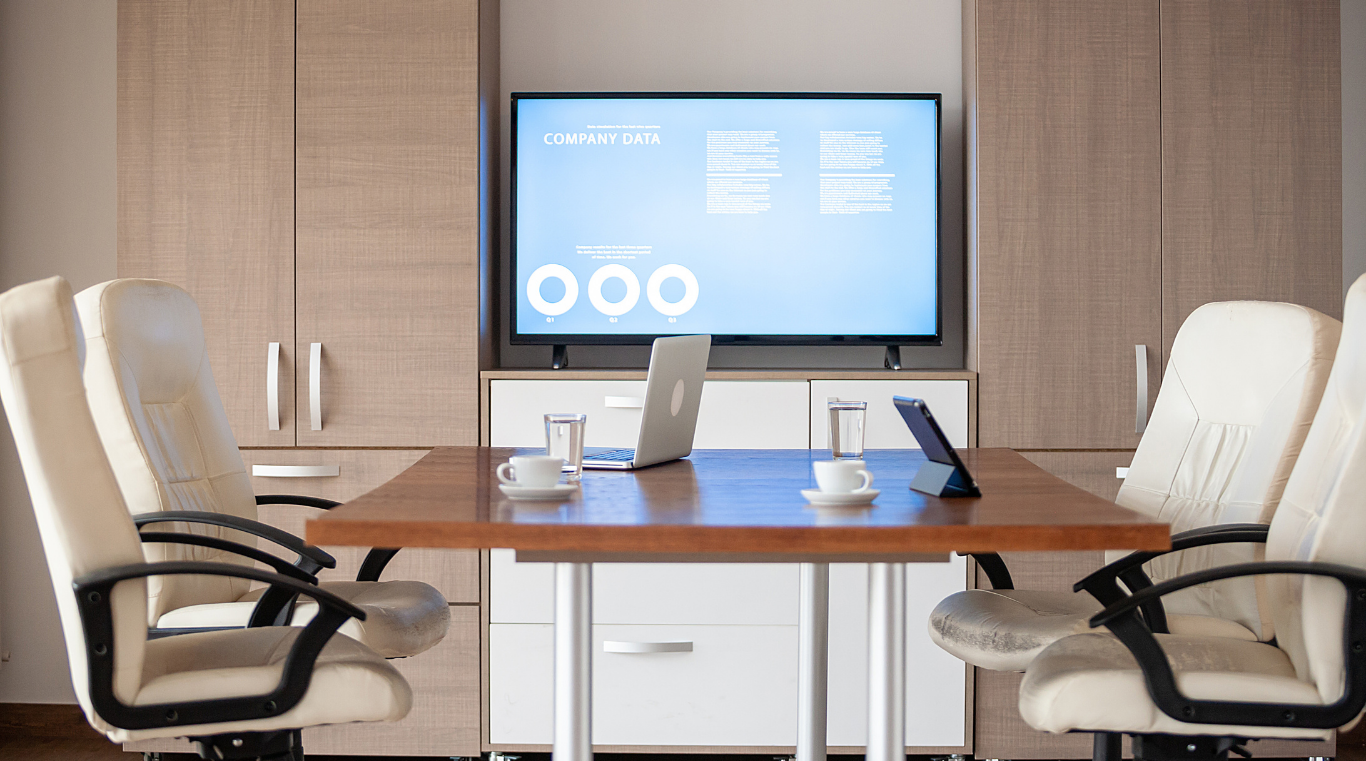
A screen or projector should make shared content readable from every seat. A display that works for a small discussion may be inadequate for a larger room, especially when slides contain detailed figures. When evaluating presentation equipment, ask about the available connections and confirm compatibility with the presenter’s laptop. Make sure to check whether any necessary adapters are supplied.
For hybrid meetings, equipment that lets remote attendees follow the discussion is essential. Microphones should pick up voices across the occupied seating area, while speakers should make remote contributions easy to hear. The camera should also capture participants effectively. Request a demonstration using your intended conferencing software and clarify whether the equipment is included in the rental fee.
Comfortable Seating and a Suitable Room Layout
Comfortable seating becomes especially important during extended meetings. Look for supportive chairs and enough table space for attendees to work without crowding one another. When checking room capacity, be mindful that the advertised figure doesn’t necessarily indicate how comfortably the room will accommodate everyone with their laptops open.
The layout should also support interaction. A shared table may suit a group discussion, while a classroom arrangement may work better for instruction. Request a floor plan or view the room before booking. If furniture needs to move, confirm that rearrangement is permitted and ask who handles setup.
Practical Presentation and Collaboration Tools
Whiteboards and flip charts help participants share and develop ideas. These facilities can be particularly useful when a discussion involves mapping a process or comparing possible solutions. Check that the writing surface is large enough for the group and positioned where everyone can see it clearly.
Additionally, confirm that usable markers and cleaning supplies are provided. If the room includes a digital whiteboard, ask how participants can save their work and whether remote attendees can contribute. For sessions involving sensitive information, establish how saved content will be removed after use.
Suitable Lighting and Glare Control
Lighting should enable attendees to read documents and take notes comfortably. While natural light can brighten a room, direct sunlight may reduce screen visibility. When evaluating options, look for blinds or other window coverings that allow you to control glare. Adjustable room lighting is useful when a session moves between discussion and projected presentations.
For video calls, consider how the lighting falls on participants’ faces. A bright window behind a speaker can make that person appear dark on camera. Even illumination helps remote attendees see expressions and gestures more clearly. If possible, inspect the room around the time your meeting will take place to see how daylight affects room lighting.
Convenient Power Access and Technical Support
Accessible power outlets help prevent interruptions when participants need to charge devices during longer meetings. Check where they’re located and whether they’re reachable from the working area without requiring cables to cross walkways. Confirm whether extension cords or power strips can be supplied if the existing arrangement is insufficient.
Technical support is equally worth checking before arrival. Some rental spaces provide on-site assistance, while others operate on a self-service basis. Establish who can help with connection problems and whether support covers your entire booking. Additionally, ask for setup instructions beforehand and allow time to test the equipment.
The right meeting venue supports collaboration and helps spark ideas that can contribute to business performance. Reliable facilities allow attendees to participate comfortably, provide valuable input, and focus on the task at hand. Evaluating these amenities before booking a meeting room in Singapore can help ensure smoother discussions, clear communication, and productive sessions, allowing attendees to generate solutions and plan effectively for business success.
Article received via email