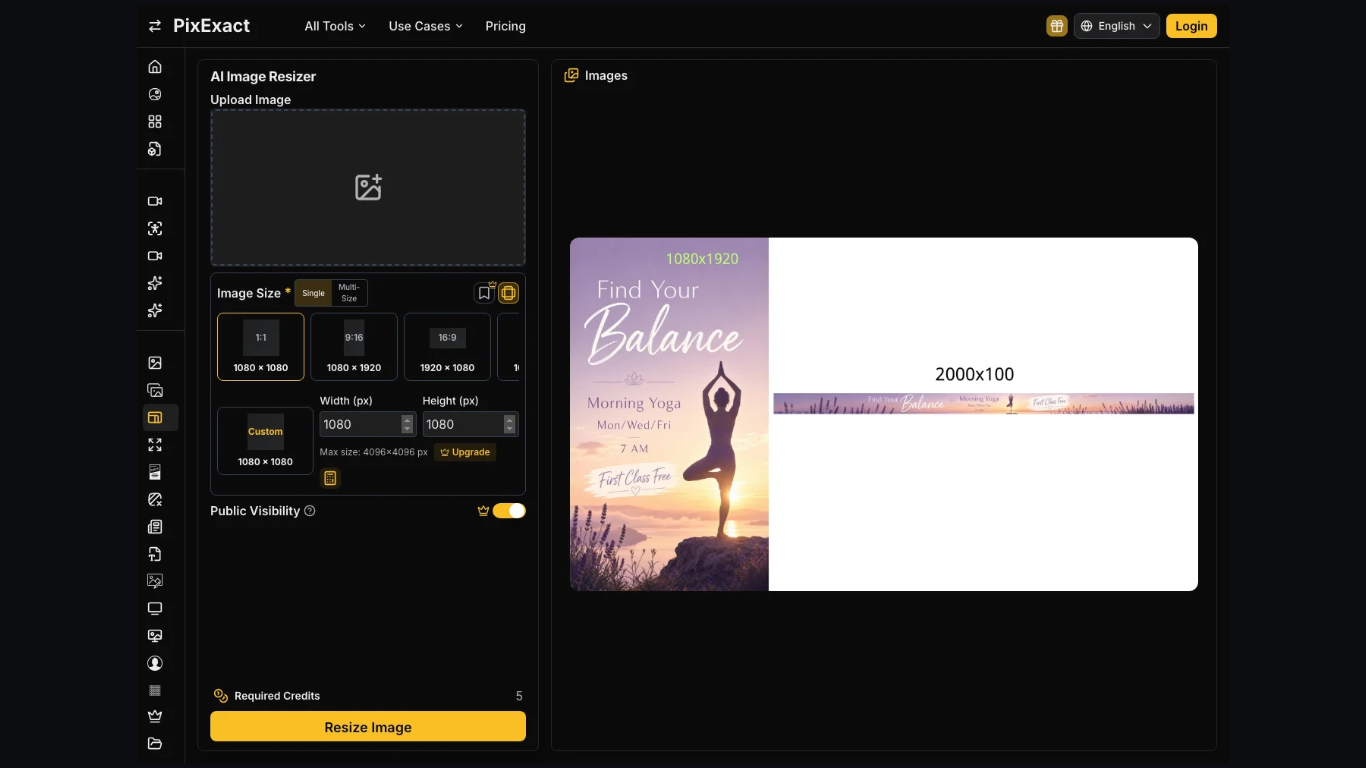
Banner ads and marketplace tiles rarely need the same dimensions. A wide master image may work perfectly for one placement, but forcing it into a square can cut out the product, headline, or important legal text.
That is where PixExact takes a different approach. Instead of generating one master and cropping it repeatedly, the workflow starts with the exact pixel dimensions required for each placement. The result is a separate composition for every canvas rather than a compromised version of the original.
A Campaign Needs Two Canvases, Not One Crop
A typical campaign may require both a wide banner and a square product tile. The banner needs room for the product, headline, branding, and possibly legal text. The square tile often needs the product to remain clear even when shoppers zoom in.
These are different compositions.
For example, a 1200 by 628 banner cannot simply become a 2000 by 2000 marketplace image without major changes. Cropping the banner may remove text or part of the product. Enlarging it into a square may also reduce visual quality.
Exact pixel dimensions matter more than simply choosing an approximate aspect ratio. “Widescreen” describes a shape, but advertising platforms usually expect specific measurements.
Cropping Can Remove Important Details
A master image is often approved because every element has a deliberate position. The product may sit on the left while the offer appears on the right.
Cropping that image into a square can destroy that balance.
A centered crop might preserve the product while removing the offer. Moving the crop could save the text but cut part of the packaging. Once those pixels are removed, sharpening or resizing cannot restore the missing content.
This creates unnecessary rework: crop the image, review it, adjust the crop, send it again, and eventually realise that the original composition does not fit the new format.
Generating directly at the target size avoids much of that cycle.
Crop the Master or Generate the Target Size?
| Question | Crop the master | Generate the target size |
| Who defines the frame? | The person cropping later | The canvas before generation |
| What happens to text? | It may fall outside the crop | It can be composed within the frame |
| What remains editable? | Only the remaining pixels | A fresh composition can be generated |
| Main risk | Important content gets removed | Prompt details may need correction |
Generating at the correct size does not eliminate every possible error. A wrong price or inaccurate product description will remain wrong. The advantage is that cropping does not introduce another problem on top of the original one.
One Prompt Can Support Multiple Sizes
Creating separate files does not necessarily mean rebuilding the entire campaign.
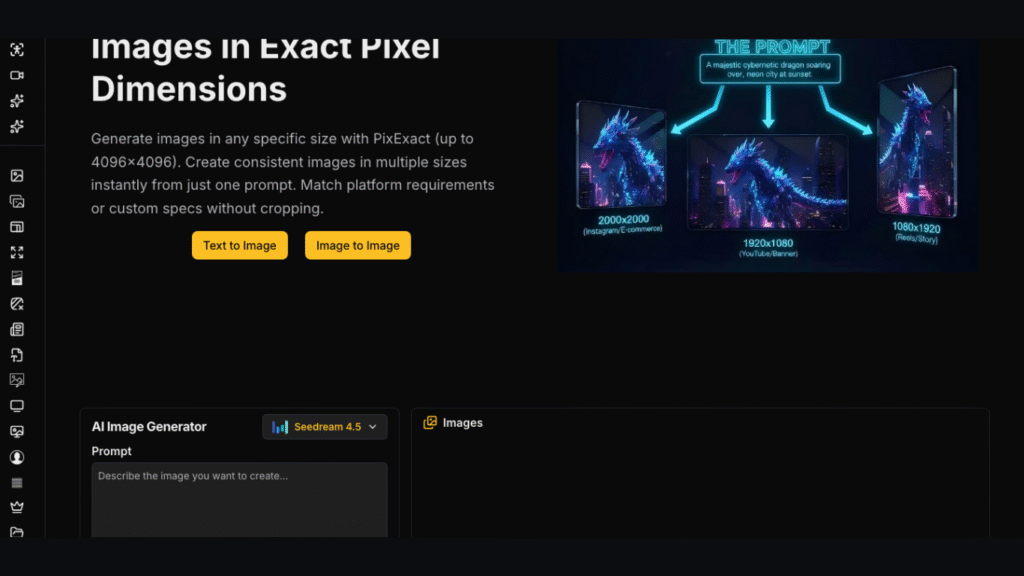
The same prompt can preserve the product, offer, price, and general visual style while adapting the composition for different dimensions. An AI Flyer Generator used in this way can create related campaign assets without relying on one image to fit every placement.
The goal is consistency, not identical framing.
The 1200 by 628 version may provide more horizontal room for text, while the 2000 by 2000 version may keep the product more central. Both should still clearly belong to the same campaign.
Review Every Output Separately
Using the same prompt does not mean both files can be approved together without inspection.
Check that the product, price, colours, and offer remain consistent. Text that works well on a wide banner may become crowded on a square image. If that happens, it is usually better to adjust the prompt for that size rather than shrink the text after generation.
PixExact supports dimensions up to 4096 by 4096, according to the specifications used for this workflow. Paid output is also relevant when files are intended for commercial campaigns, particularly when watermark-free assets and commercial-use rights are required.
Regardless of the plan, the final size still needs to be checked before handoff.
Keep the File That Matches the Placement
The media folder should contain separate files for separate placements, ideally with their pixel dimensions included in the filenames.
Keep the generated pair when the product, price, branding, and required dimensions all match. Use cropping only when a small trim is needed and the basic composition already fits the destination.
When the shape changes significantly, generating the correct canvas is usually cleaner than forcing one master file to do two different jobs. A campaign works better when the banner and product tile look related but are designed for the spaces where they will actually appear.
Blog received via e-mail